[Case 04]
Twelve branded systems in six months — each built for how people actually behave.
B2B SaaS / Community Platform
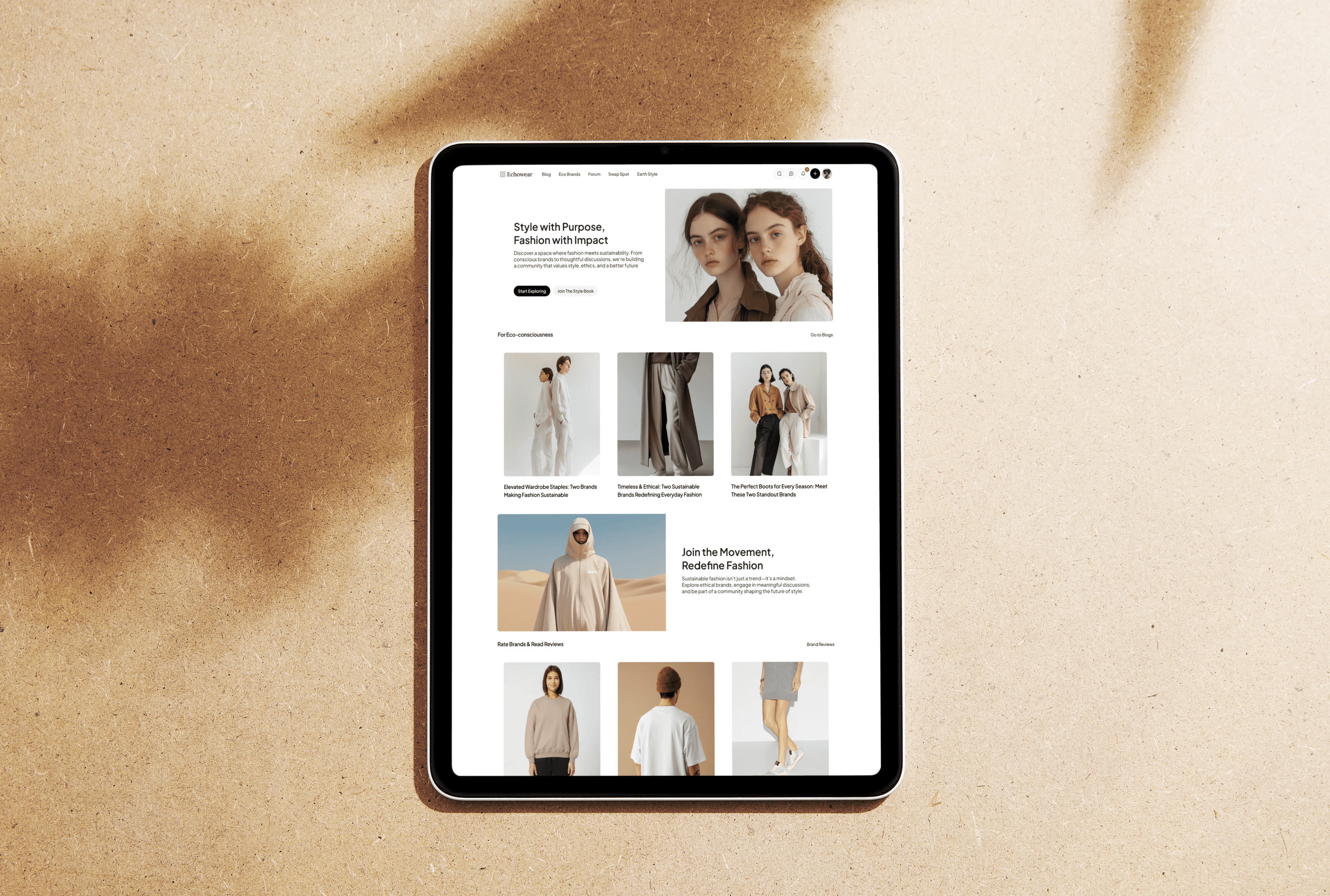
Bettermode: Productized Community Design at Scale
No two communities behave the same. I built systems that reflect how people actually gather — not how platforms wish they would.
[Project Overview]
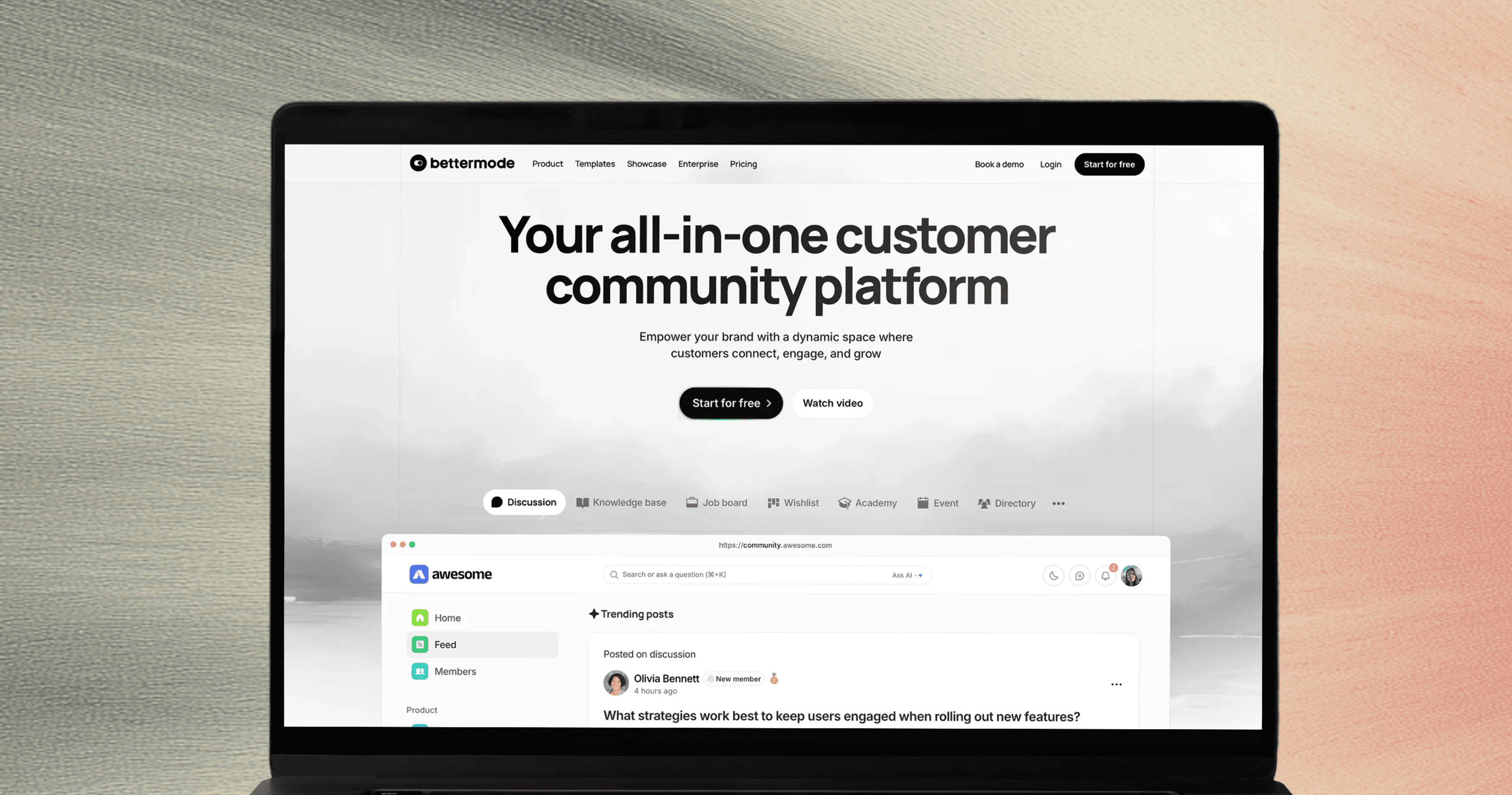
Bettermode lets brands like Mercedes-Benz, Lenovo, and SaaS companies build their own communities — without starting from scratch. My job: design a new, fully custom template every week. Not just colors and fonts — a complete UX logic tailored to how that audience talks, posts, and connects. I shipped 12+ templates in 6 months, each with its own visual language, content structure, and admin-friendly system — all while reporting bugs as a power user and redesigning Bettermode’s own marketing site.
[Problem Statement]
Existing templates were generic. Admins couldn’t customize them without breaking layouts. And most communities failed because they made newcomers feel like outsiders. Mercedes owners didn’t want a tech forum. Gamers didn’t want a corporate blog. Fitness beginners didn’t want to see “perfect” success stories on day one. The real problem wasn’t design — it was mismatched behavior. We needed templates that felt like home from the first click.
[Industry]
B2B SaaS / Community Platform
[My Role]
Lead Designer
[Platforms]
Desktop and Android
[Timeline]
January 2024- March 2024
[Persona]

Ariya
Community & Content Manager
Ariya manages a SaaS company’s customer community. He's a marketer who wears 10 hats. He needs to update content weekly, spotlight feature requests, and welcome new users — but he's terrified of breaking the layout. He doesn’t want “settings.” He wants to set up His space without asking for help.
Age: 31
Location: Netherlands
Tech Proficiency: Intermediate
Gender: Male
[Goal]
Launch a branded community that feels like ours — not a generic forum.
Update homepage content weekly without breaking the layout or calling support.
Make new users feel welcome enough to post their first question.
[Frustrations]
Existing platforms feel either too corporate or too chaotic — never “just right” for her brand voice.
CMS panels are full of technical jargon like “taxonomy” or “widget zone” — she just wants to say “put this post here.”
New members lurk but don’t engage — and she doesn’t know how to fix it.
[Process]
[Outcome]
Admins stopped calling support to customize their community — because the CMS finally spoke human language
Brands launched faster — one SaaS company went live in 3 days because the template matched their use case out of the box.
New members engaged sooner — because homepages welcomed beginners instead of showcasing only expert content.
[Old Templates]
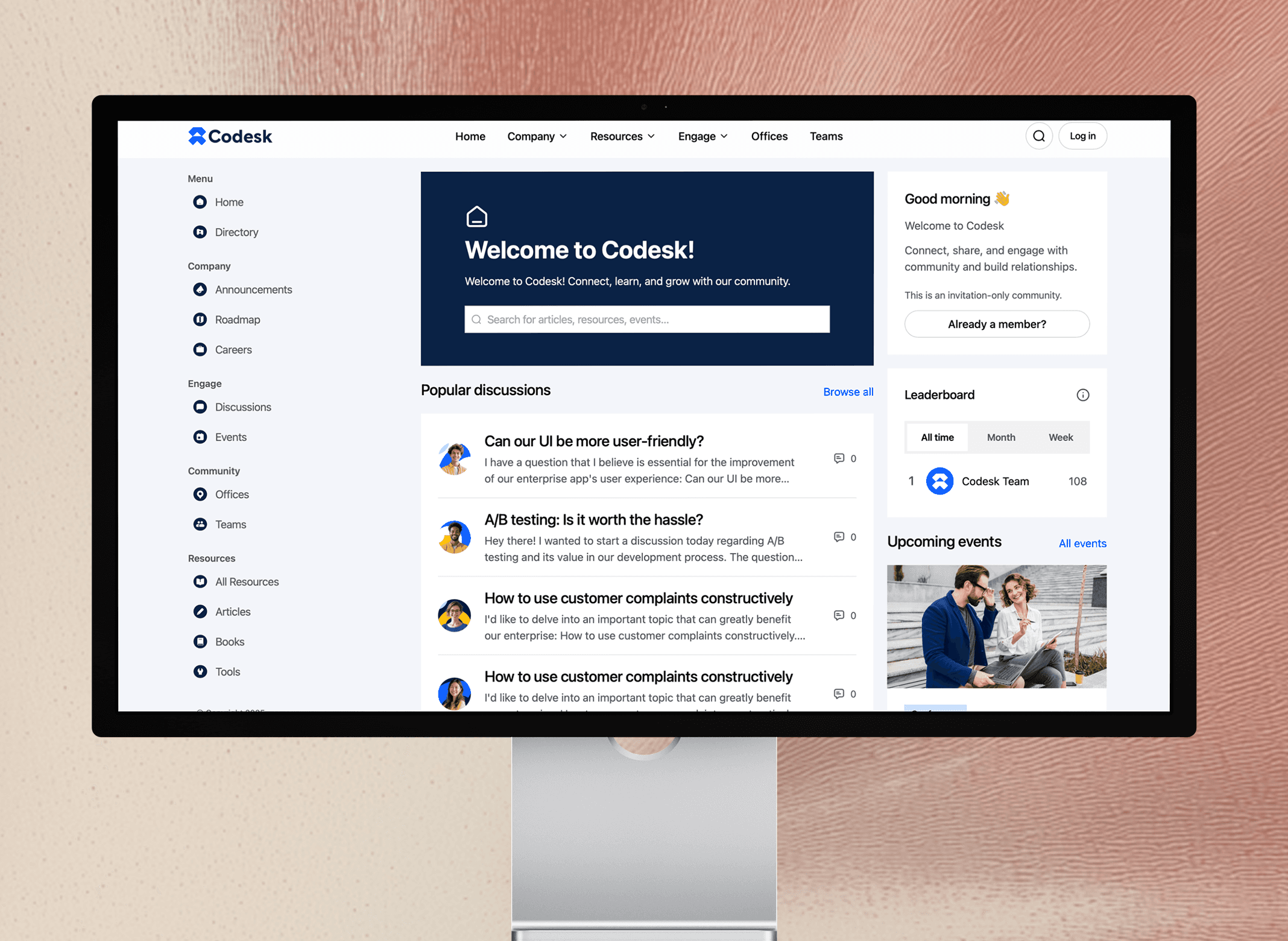
Early templates assumed all communities were the same: same layout, same flow, same empty shells. They looked polished in demos but failed in practice. Admins couldn’t adapt them to their brand’s voice or audience’s needs — not because they lacked skill, but because the system offered no guidance. “Customization” meant risking broken grids or hidden actions. There was no onboarding for the admin, no examples of tone, no sense of what content belonged where. The result? Beautiful shells that stayed static — because using them felt like solving a puzzle, not building a home.
[New Templates]
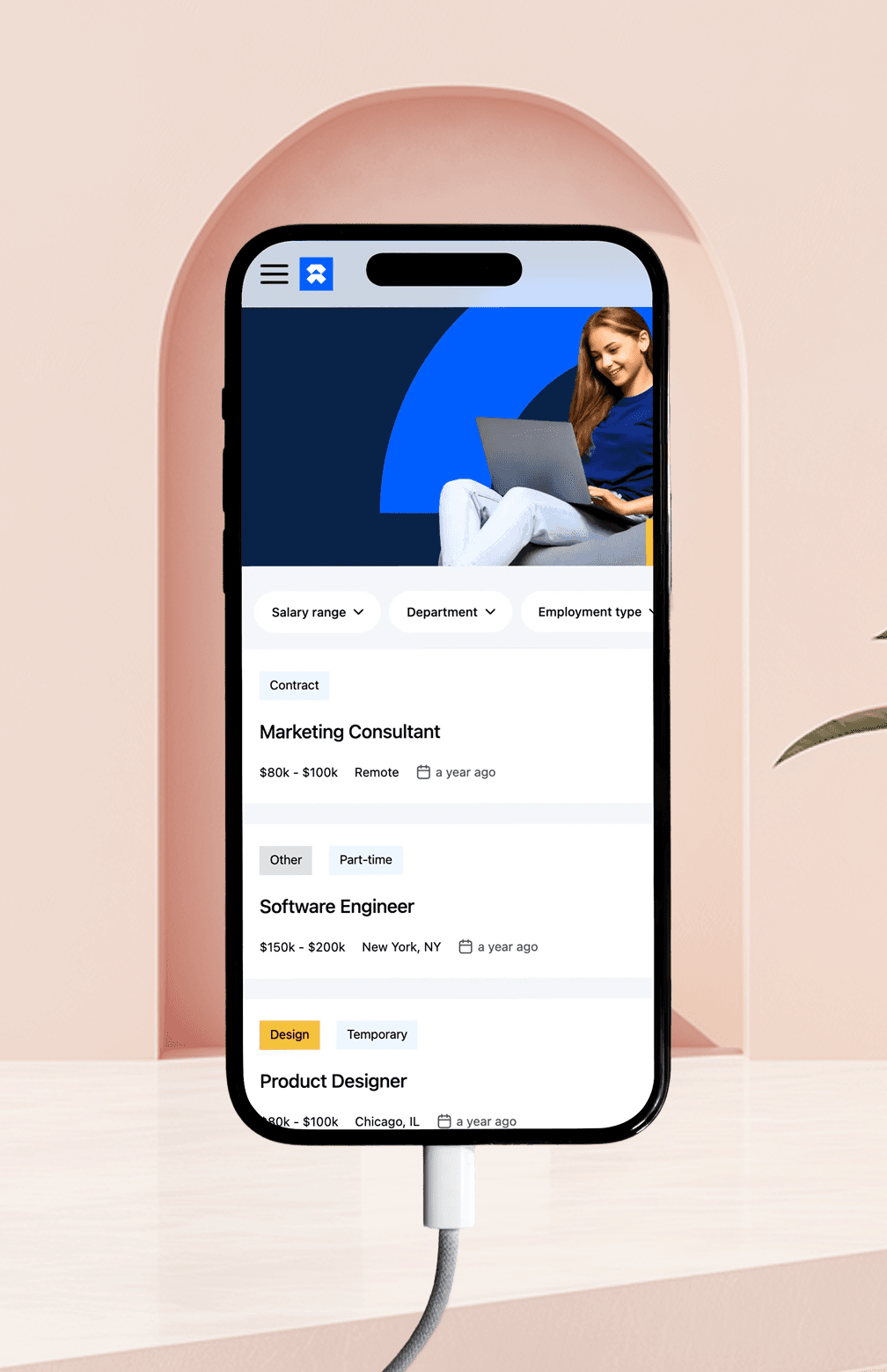
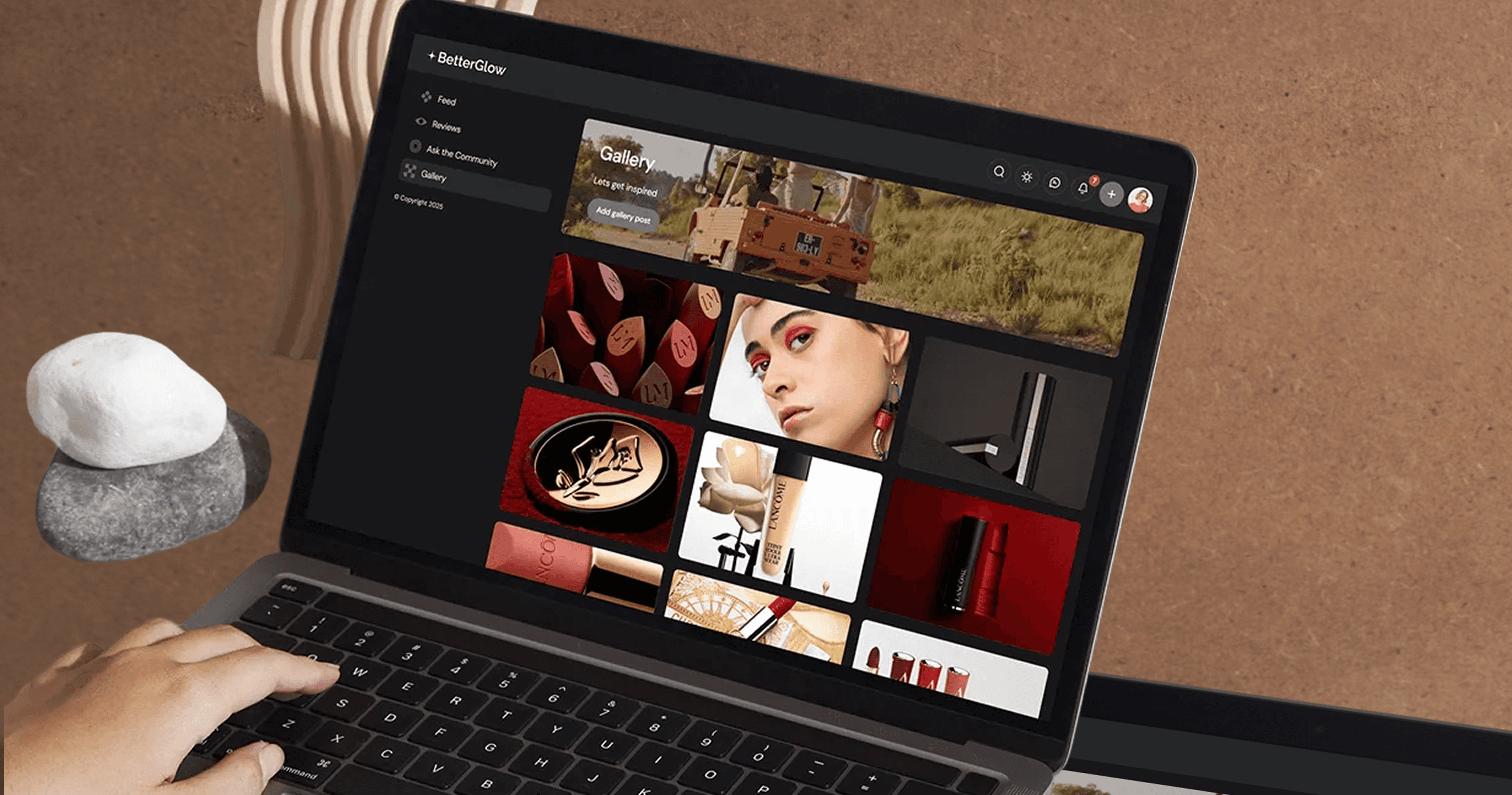
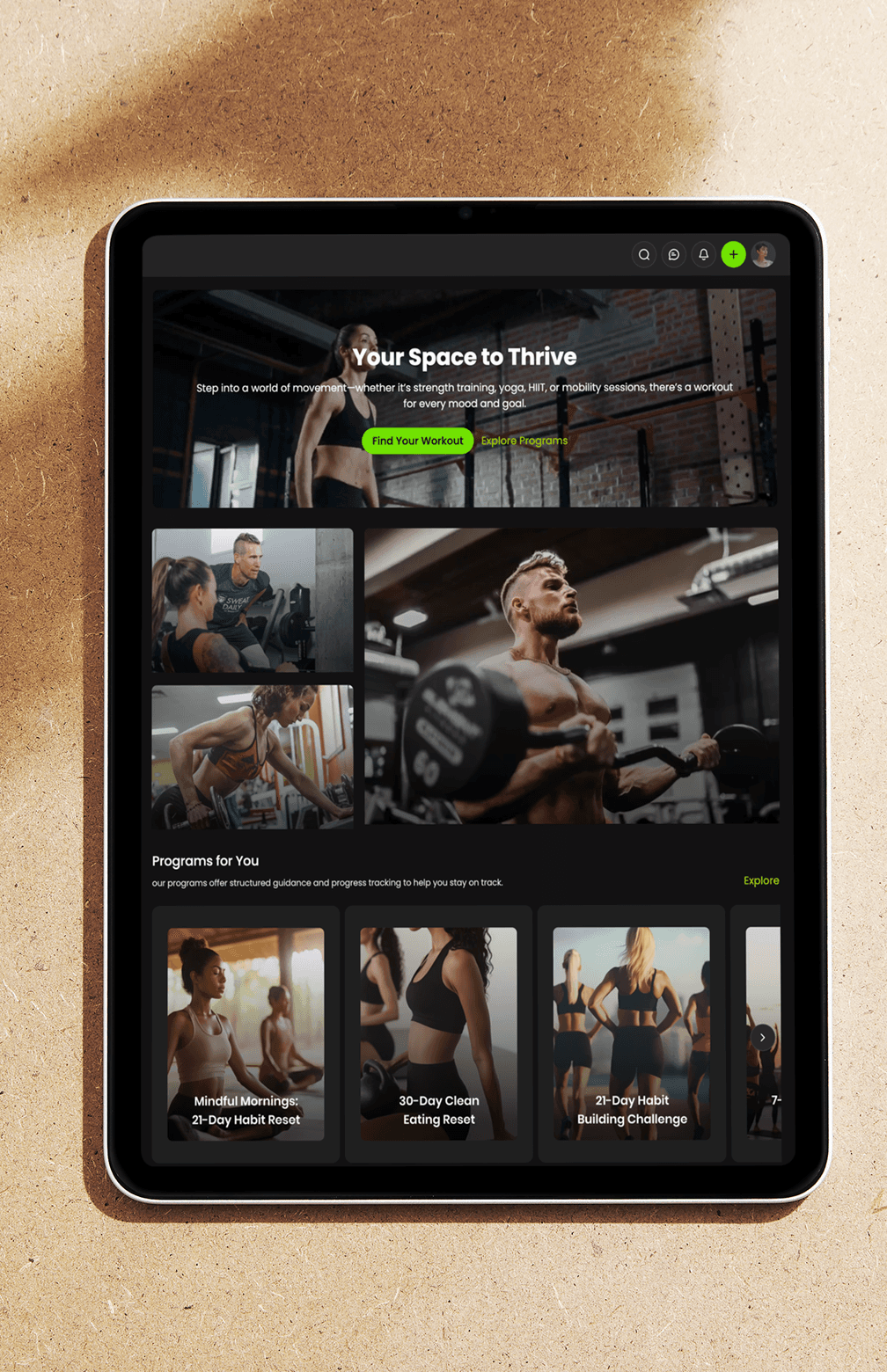
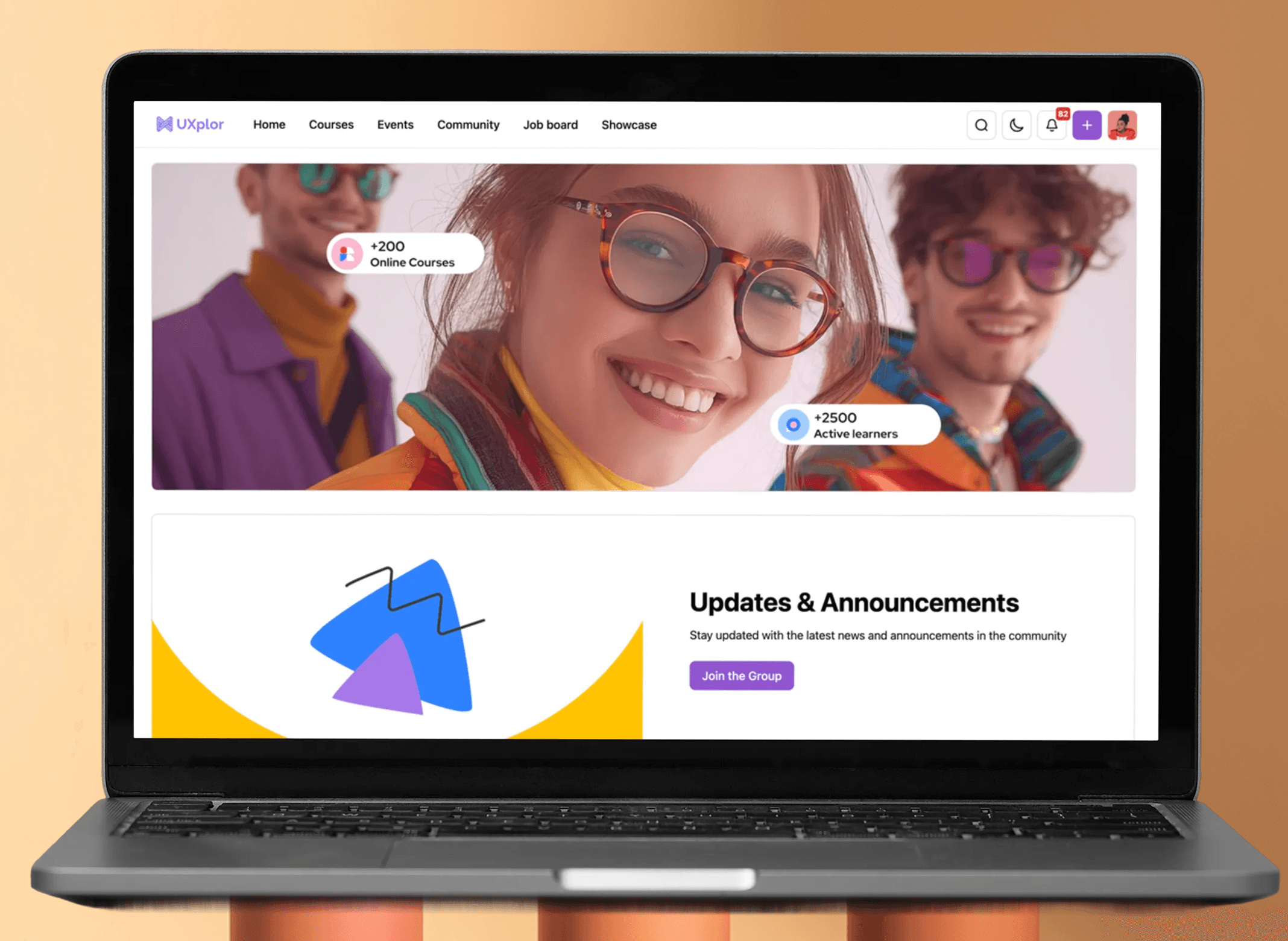
Now, every template is a behavior-aware system, not a fixed skin. Admins customize confidently — dragging blocks, swapping colors, writing in their brand’s voice — because the system holds the structure. Clear onboarding asks: “What’s your community for?” and suggests layouts that match real use cases: support, education, showcase, or discussion. Placeholder copy shows how to speak — not just where to type. And because the IA reflects how people actually engage (beginners first, experts later), communities feel welcoming from day one. It’s not just branding. It’s multi-disciplinary design: part product, part communication, part education — all built to help admins succeed without calling support.
[Key Learnings]